
The Electronic Identity (e-ID)
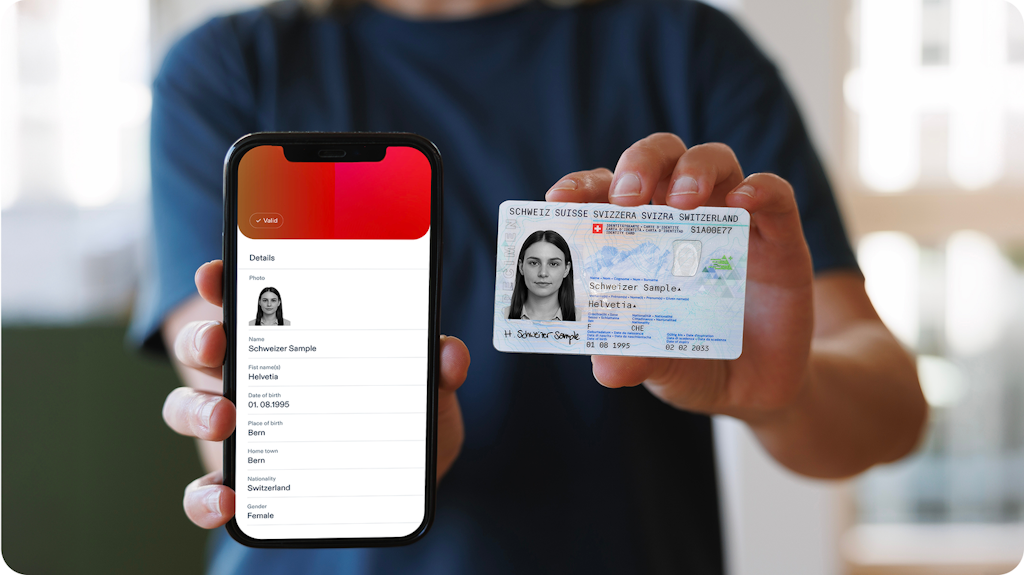
The e-ID is the digital form of an ID card
- The e-ID is an official proof of identity issued by the government.
- Using it is voluntary and free of charge.
- The e-ID is valid in both the digital and physical world.
For example, the e-ID will make it possible to order an electronic driving licence or to prove a minimum age when purchasing age-restricted products.
How will the e-ID work?
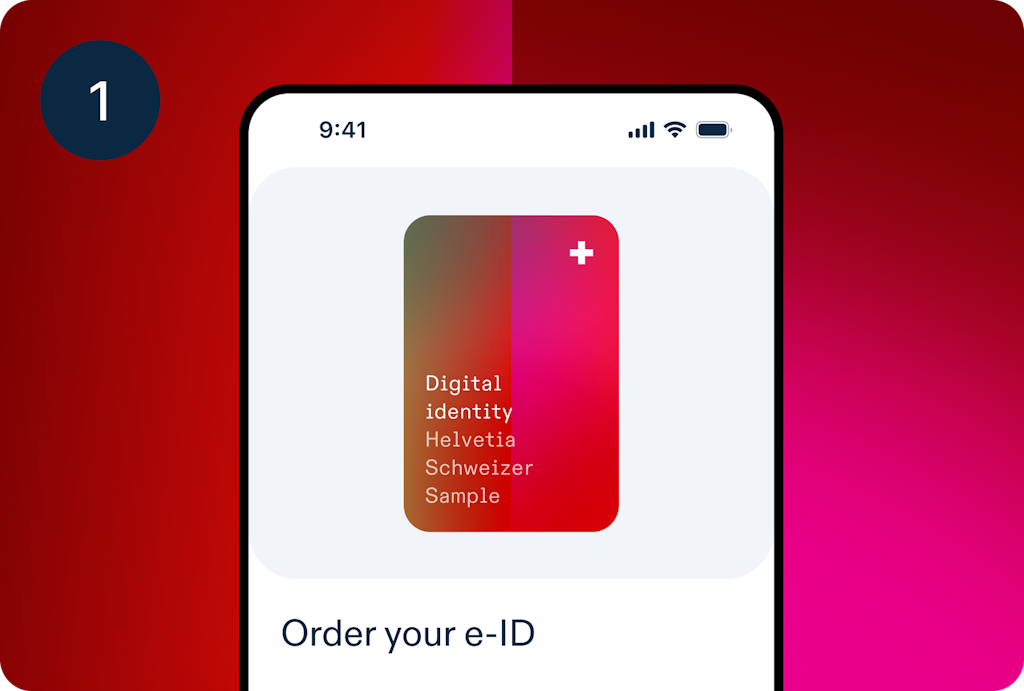
Order your e-ID
To order an e-ID, you need a valid Swiss ID card or foreigner's ID card.
To order an e-ID, you need a valid Swiss ID card or foreigner's ID card.
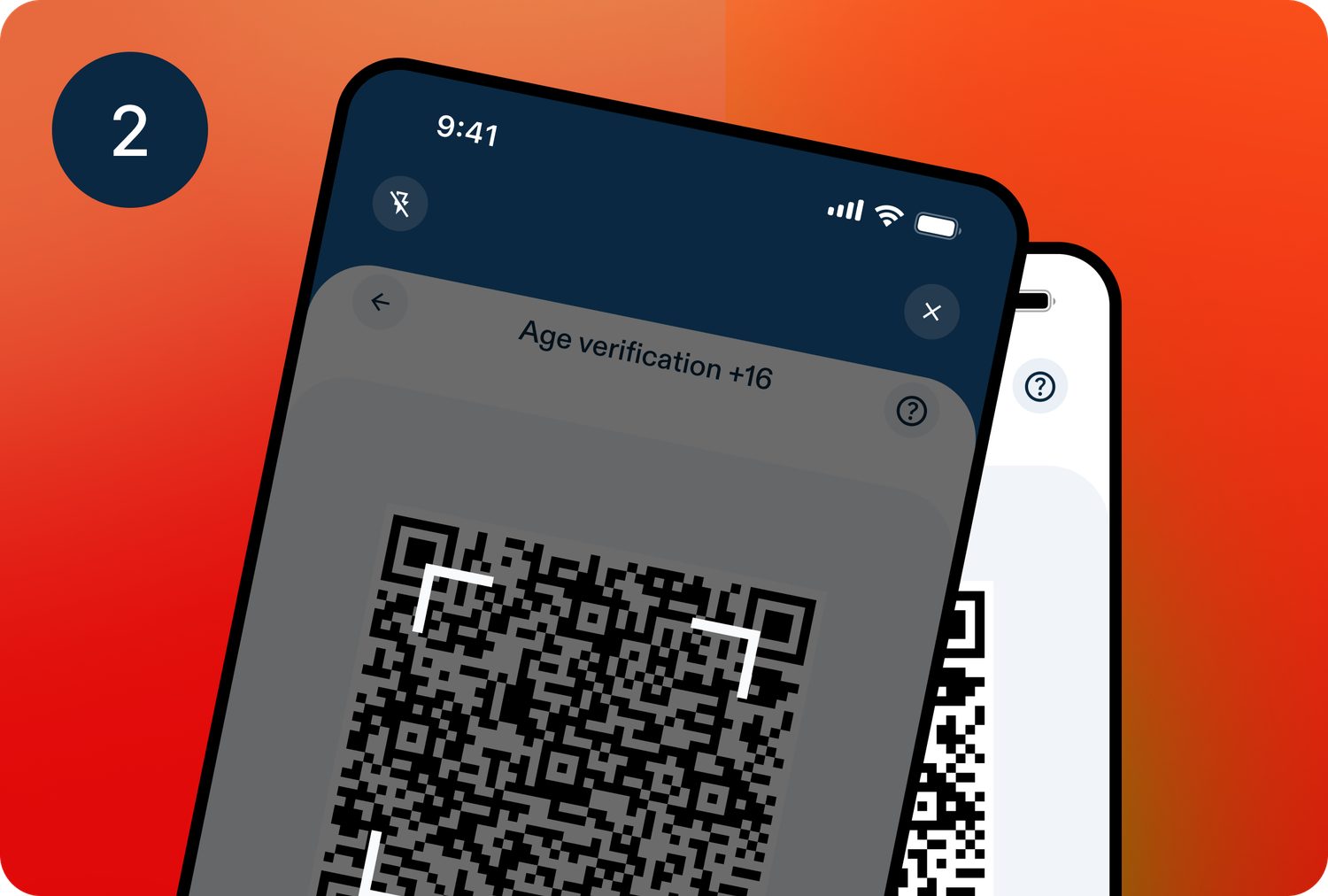
Show your e-ID
Use the swiyu Wallet to scan the QR code displayed for verification on a website or by a person – for example, when opening a bank account online, during police checks, at the supermarket checkout, or at the entrance to a club.
Use the swiyu Wallet to scan the QR code displayed for verification on a website or by a person – for example, when opening a bank account online, during police checks, at the supermarket checkout, or at the entrance to a club.
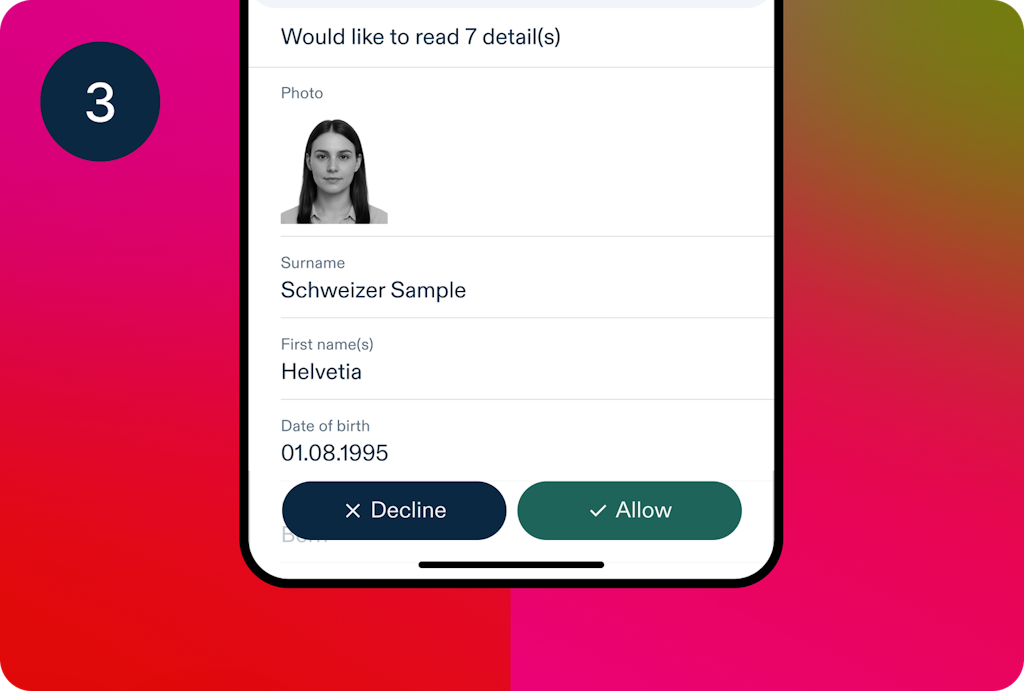
Check data request
You can see which data is being requested and choose to approve or decline the request.
You can see which data is being requested and choose to approve or decline the request.
Future Digital Uses of the e-ID
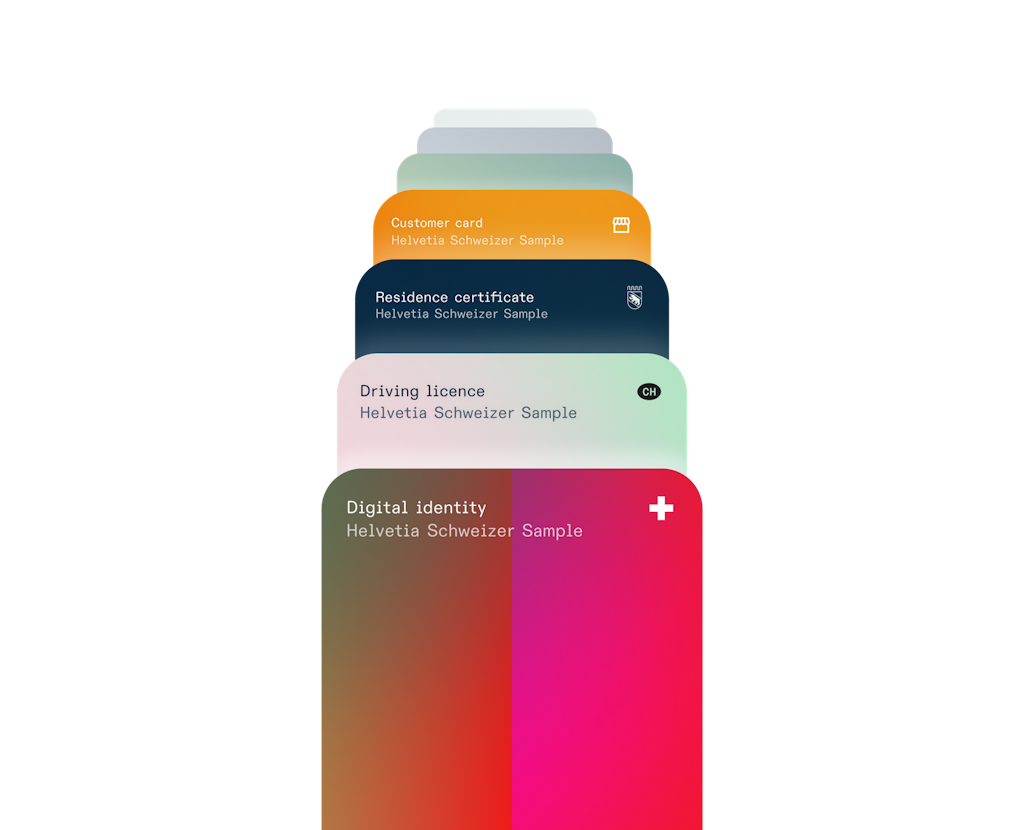
Expected from the introduction of the e-ID onwards, the following will be possible:
• Prove of age
• Open a bank account
• Obtain electronic signatures
• Register in the organ and tissue donation register
• Subscribe to a mobile plan
• Use the nationwide government login
• Order an extract from the criminal record
• Found a company
• etc.
Possible future uses:
• Order a debt collection register extract
• Electronically sign popular initiatives and referendums
• etc.
explanatory video
• Prove of age
• Open a bank account
• Obtain electronic signatures
• Register in the organ and tissue donation register
• Subscribe to a mobile plan
• Use the nationwide government login
• Order an extract from the criminal record
• Found a company
• etc.
Possible future uses:
• Order a debt collection register extract
• Electronically sign popular initiatives and referendums
• etc.
explanatory video
Opportunities for Businesses and Organisations
Security and Privacy of the e-ID
Decentralised Data Storage:
To protect against identity misuse, the e-ID is linked to the smartphone, making it impossible to copy the e-ID. If someone loses or changes their smartphone, they must apply for a new e-ID.
Consent Principle:
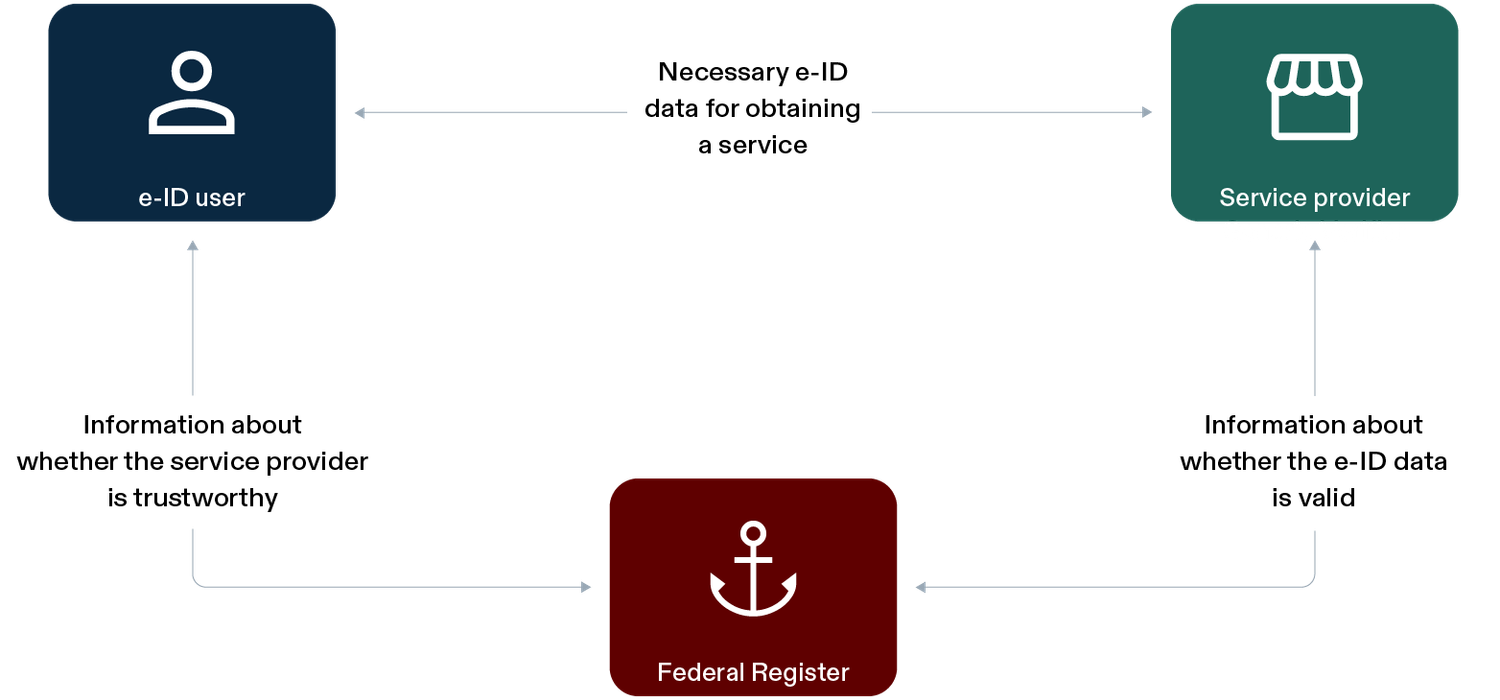
Anyone who has an e-ID and wants to use it can first check in the swiyu Wallet whether an authority or company is trustworthy and which data is being requested. Users of electronic credentials have control over what data they disclose to whom.
Technology
FAQ
To protect against identity misuse, the e-ID is linked to the smartphone, making it impossible to copy the e-ID. If someone loses or changes their smartphone, they must apply for a new e-ID.
Consent Principle:
Anyone who has an e-ID and wants to use it can first check in the swiyu Wallet whether an authority or company is trustworthy and which data is being requested. Users of electronic credentials have control over what data they disclose to whom.
Technology
FAQ
This is how privacy is protected
Data minimisation:
Authorities and companies are only allowed to request and store the data that is necessary for the specific use. For example, when purchasing age-restricted products, an anonymous proof-of-age is sufficient. Meaning that, only confirmation that the person meets the minimum age is provided.
Unlinkability:
In this case, authorities and companies cannot draw conclusions about the individual or their behaviour. The e-ID is technically designed in such a way that user behaviour cannot be linked based on technical data.
explanatory video
Authorities and companies are only allowed to request and store the data that is necessary for the specific use. For example, when purchasing age-restricted products, an anonymous proof-of-age is sufficient. Meaning that, only confirmation that the person meets the minimum age is provided.
Unlinkability:
In this case, authorities and companies cannot draw conclusions about the individual or their behaviour. The e-ID is technically designed in such a way that user behaviour cannot be linked based on technical data.
explanatory video
Explore the swiyu Wallet with a Sample e-ID
Download
Download the swiyu Wallet for free from the Google Play Store or the Apple Store.
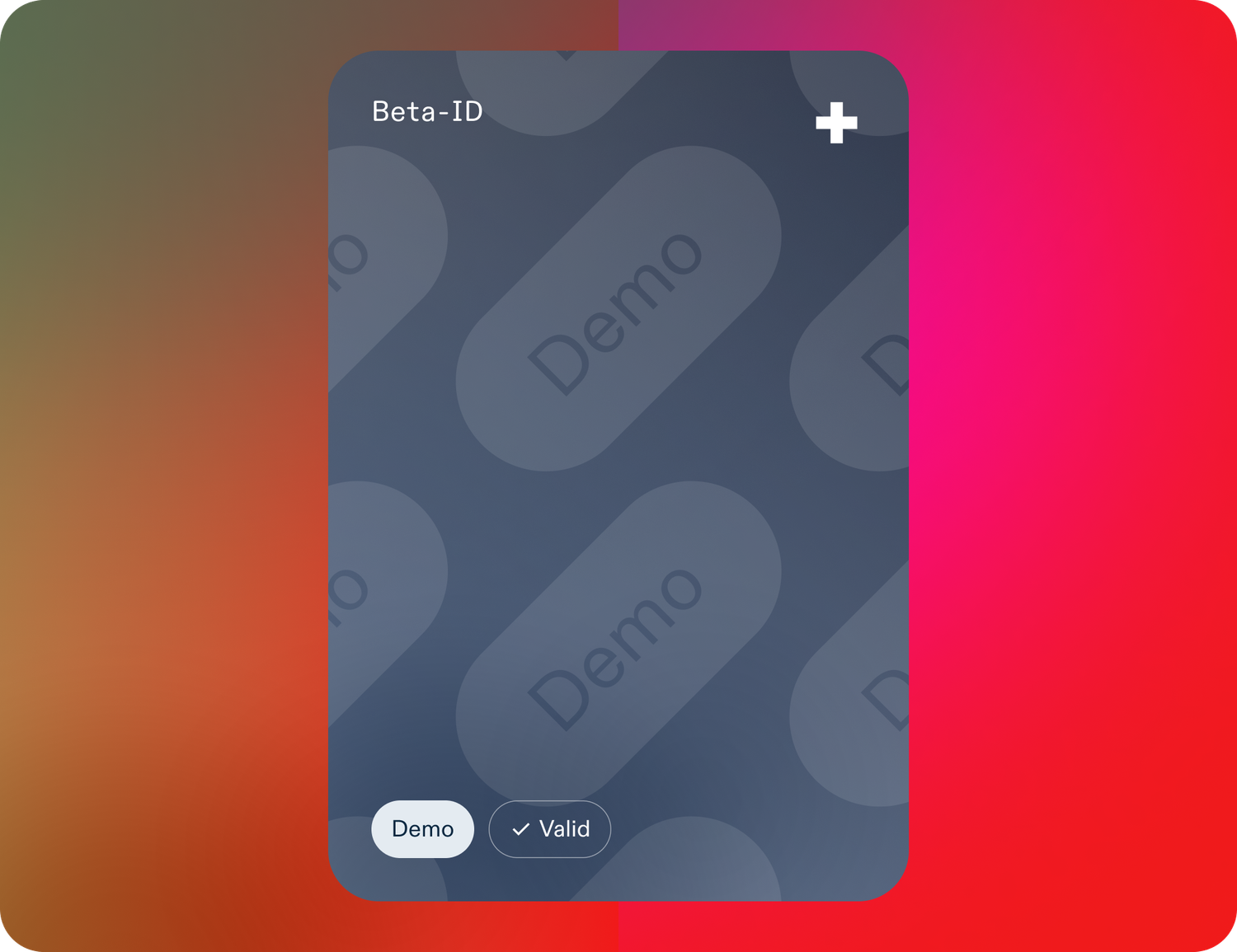
Issue Beta-ID
1. Start the application process for the Beta-ID.
2. Select the fictional attributes for your Beta-ID.
3. Add the Beta-ID to your swiyu Wallet.
Create and verify Beta-ID
Instructions for Beta-ID
Verify Beta-ID
The content and validity of a Beta-ID can be verified. For this, a second screen – either a second smartphone or another device – is required.
Download the swiyu Wallet for free from the Google Play Store or the Apple Store.
Issue Beta-ID
1. Start the application process for the Beta-ID.
2. Select the fictional attributes for your Beta-ID.
3. Add the Beta-ID to your swiyu Wallet.
Create and verify Beta-ID
Instructions for Beta-ID
Verify Beta-ID
The content and validity of a Beta-ID can be verified. For this, a second screen – either a second smartphone or another device – is required.